How much fun can you have for under £1? Some, as it turns out.
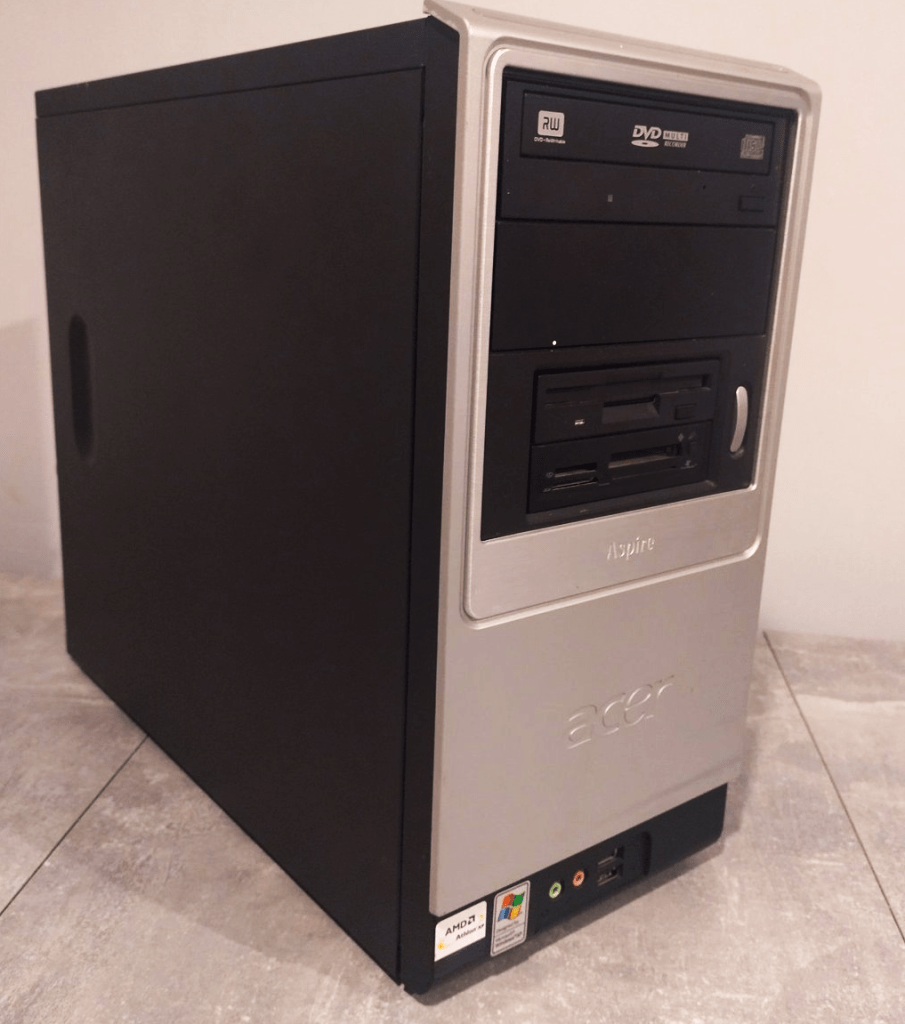
Computers can be big and awkward to ship, and most people can’t be bothered to post them. I don’t blame them — I wouldn’t want to send off a cheap PC either. It’s a hassle, and there’s every chance it won’t even survive the trip. Hardly worth the effort.
That’s why so many end up listed on eBay as “collection only,” which is probably how I managed to grab this one for just 99p
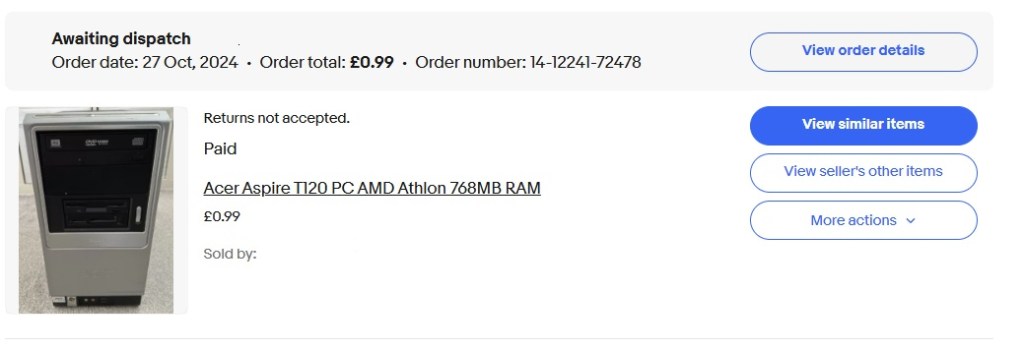
It makes you wonder how many perfectly good machines end up at the tip, which is a bit sad really. Still, we can count this one as saved.
The system I picked up came with the following specs:
| Component | Details |
|---|---|
| Processor | AMD Athlon XP 2600+ Barton (1,917Mhz) 62Kb L1 Cache 512Kb L2 Cache |
| Memory (RAM) | The standard 256MB DDR-SDRAM has been expanded in my example to 768Mb with an additional 512Mb stick |
| Storage | The standard 80GB or 120GB IDE Hard Disk was removed before it was sold. I added a very cheap 120Gb SSD from Ali Express using an IDE to SATA Adapter. |
| Graphics | VIA/S3G UniChrome IGP (I allocated the maximum 64Mb to this in the system BIOS) |
| Operating System | Windows XP SP3 |
| Optical Drive | DVD-RW |
| Expansion Slots | 1 x AGP Slot, 2 x PCI and I believe a CNR slot. |
| Power Supply | FSP Power Supply (now in the bin) was 250w I believe. |
| Motherboard | Phoenix Technologies E22M with KM400 Northbridge and VT8235 Southbridge |
| Audio | Realtec AC’97 Audio on board (RTL8100c) |
| Networking | Integrated Ethernet (10/100 Mbps) |
| Form Factor | Standard Mini Atx |
T120 Background
Despite what you’d expect, there’s not much information out there on the T120. Even Wikipedia came up short, and the Wayback Machine didn’t help either.
From what I can tell, the Acer Aspire T120 was a budget‑friendly desktop when it launched back in 2003. Still, 22 years is a long time, and I guess the internet just moved on.
The Restoration
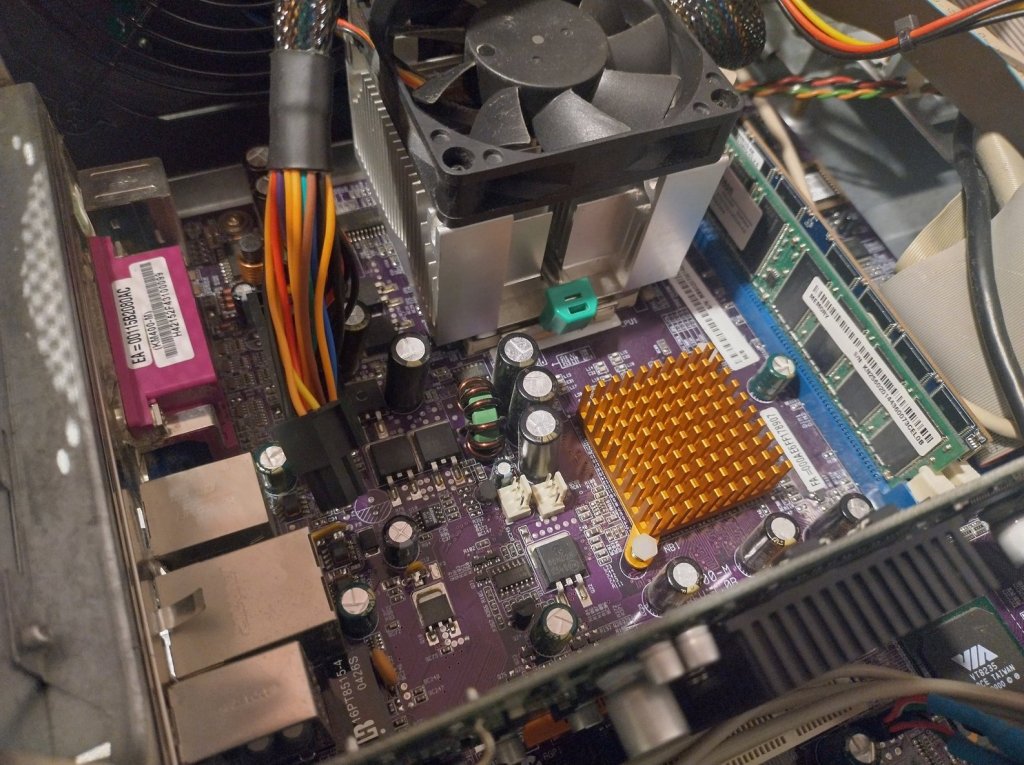
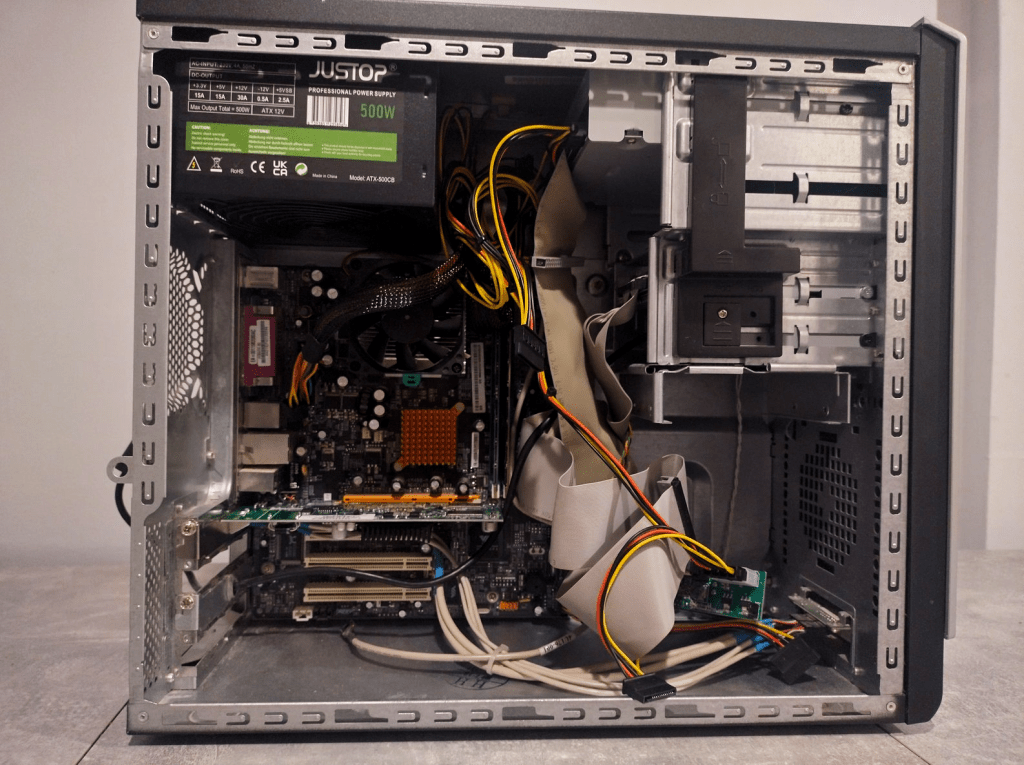
Opening the case revealed the usual grime and dust—not the worst I’ve seen, and easy enough to clean once the components were stripped out.
Socket A CPUs have an exposed die, meaning the silicon itself isn’t covered by a heat spreader, so it’s supposedly easy to damage. Despite that, I’ve never had any issues. The heatsink clips on and off much like later AMD processors, and so far I’ve managed not to crack one, though admittedly it’s a lot less stressful working on a 99p machine than it was fiddling with a brand‑new, expensive chip back in the day.
I gave the Athlon a small blob of thermal paste, cleared the dust from the heatsink, and reassembled everything without trouble.
Then came the problem. The system powered on for a few seconds, then shut itself off. After that, it refused to start again until I left it for a few minutes—at which point it would run briefly, then shut down once more. This was just while poking around the BIOS. Temperatures looked fine, and I’d seen this behaviour before, so I had a good idea — bad power supply.
A quick look through the PSU vents showed no heavy dust, but I didn’t bother opening it up – straight to the bin. The last time a PC behaved like this, the power supply eventually gave off a loud pop and out came the magic smoke. Not an experience I care to repeat, and ever since then I’ve winced every time I plug in an old PSU.
Any seasoned tech will tell you to buy a decent, branded power supply, and they’re right of course. But this was a 99p machine I hadn’t even decided what to do with and would probably end up in the loft. Dropping £50 on a Corsair unit didn’t really fit the mood, so I went hunting for a cheap replacement on eBay
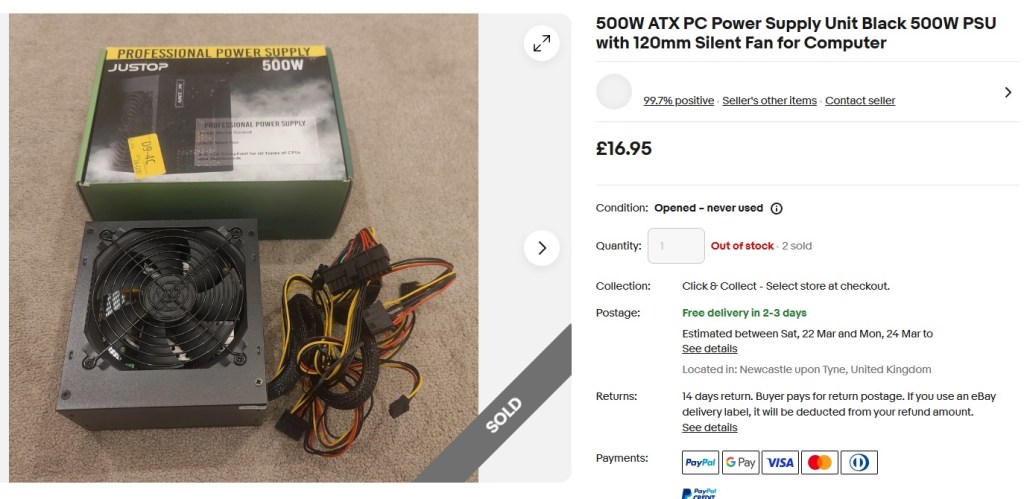
The new power supply bumped up the total cost of the build quite a bit, but it also cut down the chances of a fire, so I’ll call that a fair trade.
I figured the system would draw so little power that even a bargain‑bin 500 W unit would have no trouble supplying the 150 W or so it needed. Sure enough, that solved the shutdown issue straight away, and the PC ran perfectly from then on.
Windows setup threw me a curveball, though. My usual XP Integral Edition (a slightly suspect third‑party build with all updates and an easy installer) kept failing. I had to revert to a more official copy, then use the Integral disc for updates and USB drivers. Oddly enough, I’ve used that installer plenty of times before without a hitch — not sure what went wrong this time.
The excellent Snappy Driver Installer handled most of the driver work, as usual. Despite the machine’s age, it picked up and updated every device flawlessly, making the whole process effortless.
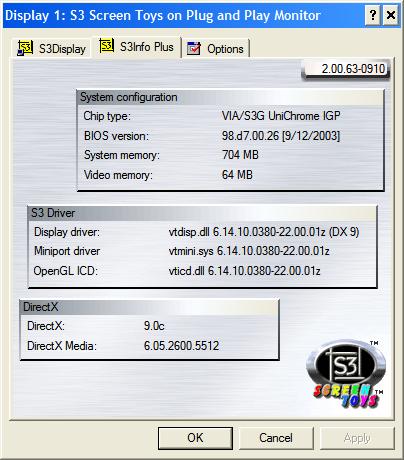
I did double‑check to see if there was a better driver for the integrated graphics and eventually found version 6.14.10.380. Windows tried to talk me out of installing it, but I forced it through anyway, and it worked fine. The package even included S3Tray Plus — a tiny tray utility that doesn’t do much, though it looks the part sitting there.
VIA/S3G UniChrome IGP
I managed to dig up a little information about the GPU. The VIA/S3G UniChrome iGPU was an integrated graphics processor that appeared in the early 2000s as part of VIA’s KM400 (like this one) and P4M800 chipset families.
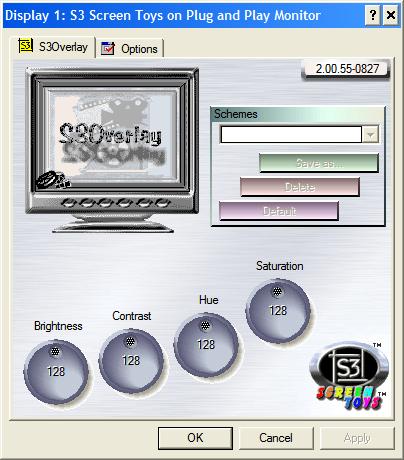
I also came across some related software online. Despite the playful name Screen Toys, there isn’t much to actually play with — but it was still a fun little discovery, and it gave me a satisfying minute or two getting it installed
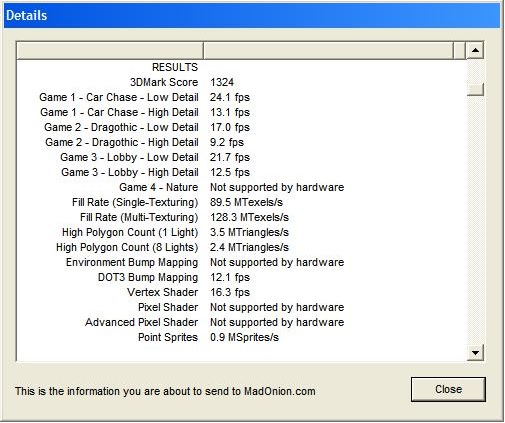
This GPU is limited to DirectX 7 and doesn’t have any support for shaders of any kind, so things are going to be very limited.
Allegedly the iGPU includes an integrated video decoder that can accelerate MPEG2 video playback, such as DVDs, although I haven’t actually tested this myself yet.
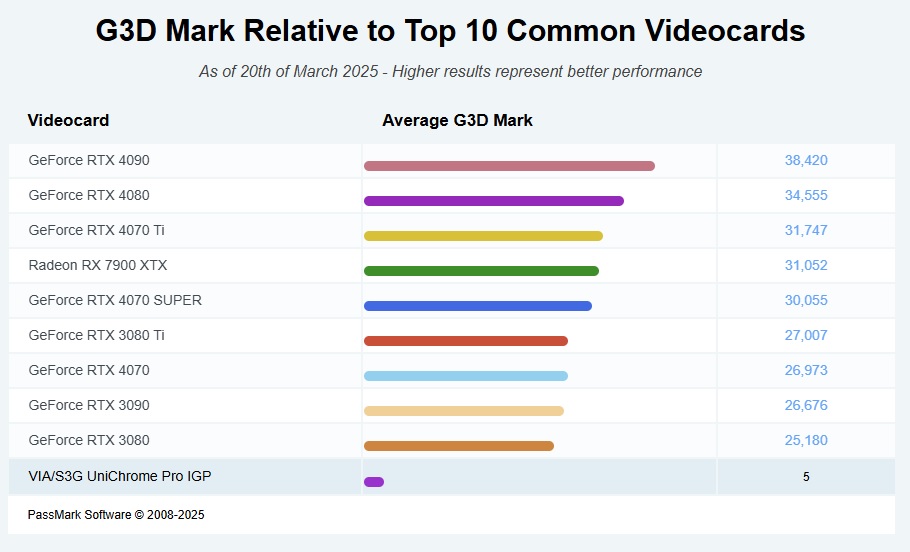
While I was digging around, I put together an interesting little comparison against a few of today’s more common graphics cards… Obviously the RTX4090 is out of touch but the UniChrome Pro is sitting only a little behind the older 3080 as you can see:
Athlon XP 2600+ (Barton)
I did a bit of reading on the processor, and I’m pretty sure I had this exact model back in the day. The Athlon XP 2600+ actually came in two flavours: an earlier Thoroughbred‑B version and a later Barton‑based version, which is the one in this machine. If you’re curious (as I was), the key differences are listed below.
| Feature | Thoroughbred-B | Barton |
|---|---|---|
| Clock Speed | 2.133 GHz | 1.917 GHz |
| L2 Cache | 256 KB | 512 KB |
| Front Side Bus (FSB) | 266 MHz or 333 MHz | 333 MHz |
| Manufacturing Process | 130 nm | 130 nm |
| Release Date | August 21, 2002 | September 13, 2003 |
I wondered how this would stack up with a Pentium 4 also, so, enjoy another table:
| Feature | AMD Athlon XP 2600+ (Barton) | Intel Pentium 4 2.4 GHz (Northwood) |
|---|---|---|
| Clock Speed | 1.917 GHz | 2.4 GHz |
| L2 Cache | 512 KB | 512 KB |
| Front Side Bus (FSB) | 333 MHz | 533 MHz |
| Manufacturing Process | 130 nm | 130 nm |
| Instruction Sets | MMX, 3DNow!, SSE | MMX, SSE, SSE2 |
| Thermal Design Power (TDP) | 68W | 59.8W |
| Release Date | September 13, 2003 | August 26, 2002 |
| Recommended Retail Price (RRP) | Approximately $297 USD | Approximately $294 USD |
So the Pentium gained SSE2 support and a faster FSB, both of which the Athlon XP missed out on.
The impressive part, though, was that a 1.9 GHz chip could genuinely stand alongside a 2.4 GHz Intel part. I still wonder if AMD might have grabbed more market share if they’d just named the processors by their actual clock speed instead of the whole “+” rating game. Then again, that naming probably helped them justify similar pricing.
Game Benchmarks
So, with the system all set up, it was time to actually try playing some games. The last version of FRAPS needs SSE2, which is a bit annoying, and you can’t grab older builds from their website anymore. Thankfully, the Internet Archive came to the rescue and I was able to dig up version 3.47 from there.
Enemy Engaged: Comanche vs Hokum (2000)
1024 x 768 High Average FPS: 23 Min: 16
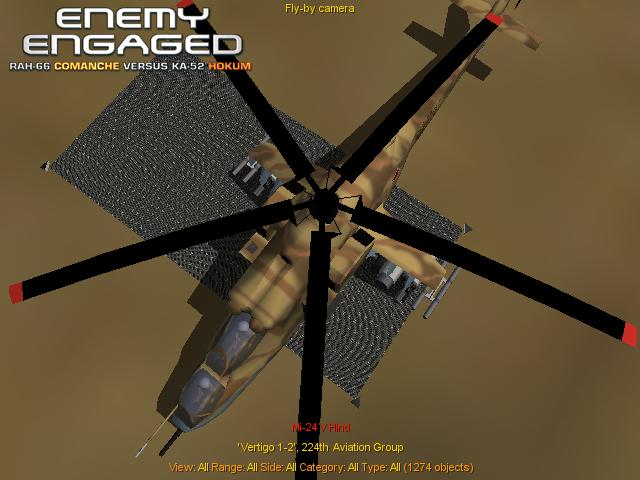
One of the many cheap GOG pickups, I still haven’t had time to get to grips with the controls, so I just let the demo run. It’s great to watch — a whole war unfolding, with little snapshots of Cold War‑era helicopters and tanks. At around 23 FPS it actually looked smooth enough, or at least close enough for this sort of thing.
Moto Racer 3 (2001)
Average FPS: 30 Min: 18
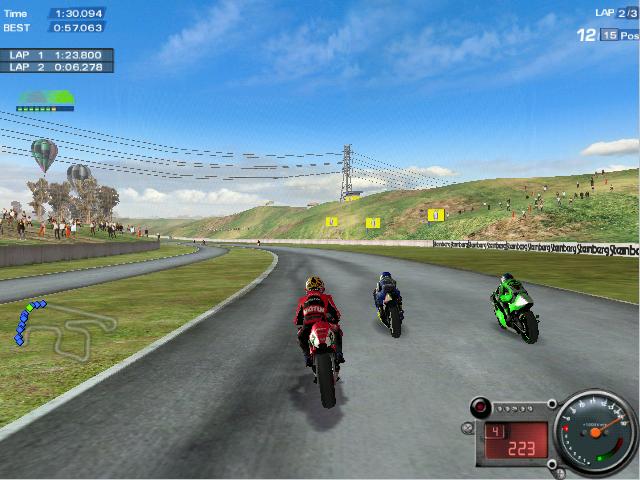
This one seems to cap at 30 FPS, even on more capable hardware. It was still easily playable, though — no real issues here.
Colin McRae Rally 3 (2002)
640 x 480 Low Settings Average FPS: 20 Min: 12
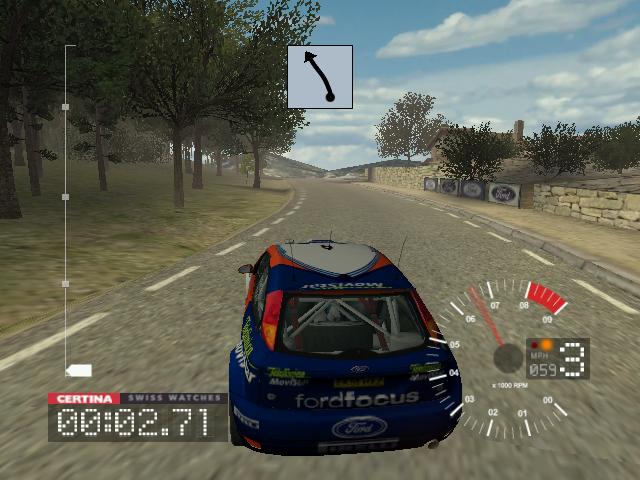
Not a success, 20fps seems generous, this was extremely difficult to control and looked ugly as hell.
Need for Speed: Underground (2003)
640 x 480 Low Settings Average FPS: 22 Min: 12
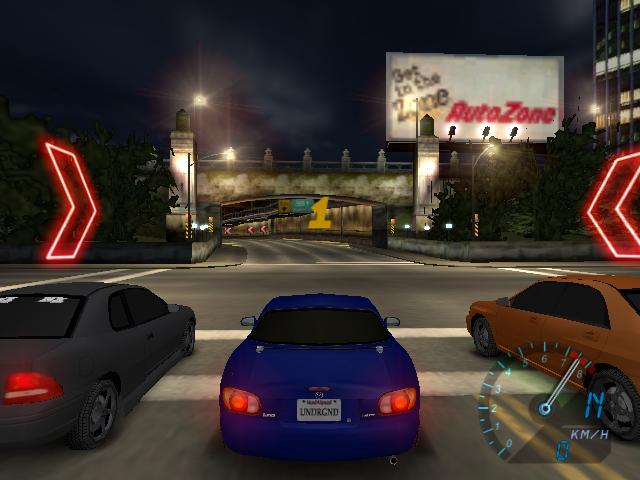
Hmm, a little better than the previous, I even managed to win the race. still a bit of a disaster.
Hitman: Contracts (2004)
640 x 480 Low Settings Average FPS: 22 Min: 14
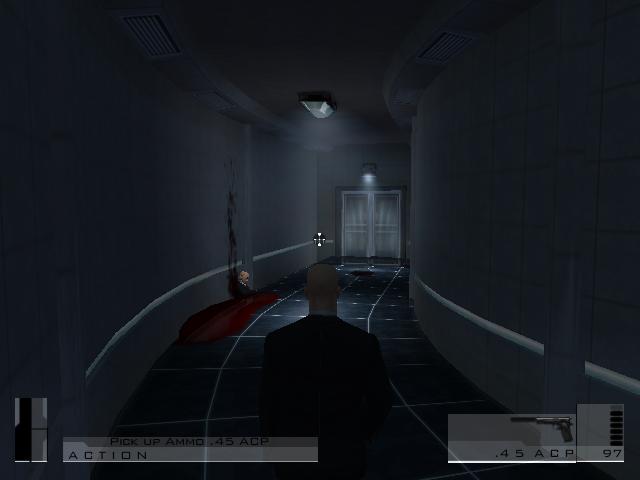
Things max out again at low 20’s, playable at a push but not recommended.
I had few illusions about playing games on this old beast and things were as expected.
Synthetic Benchmarks
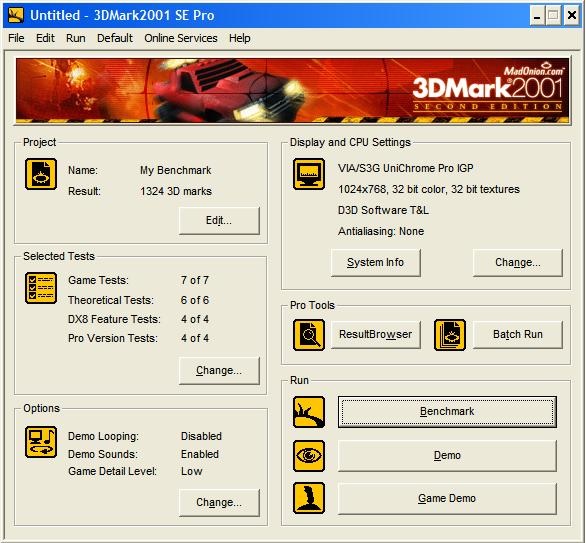
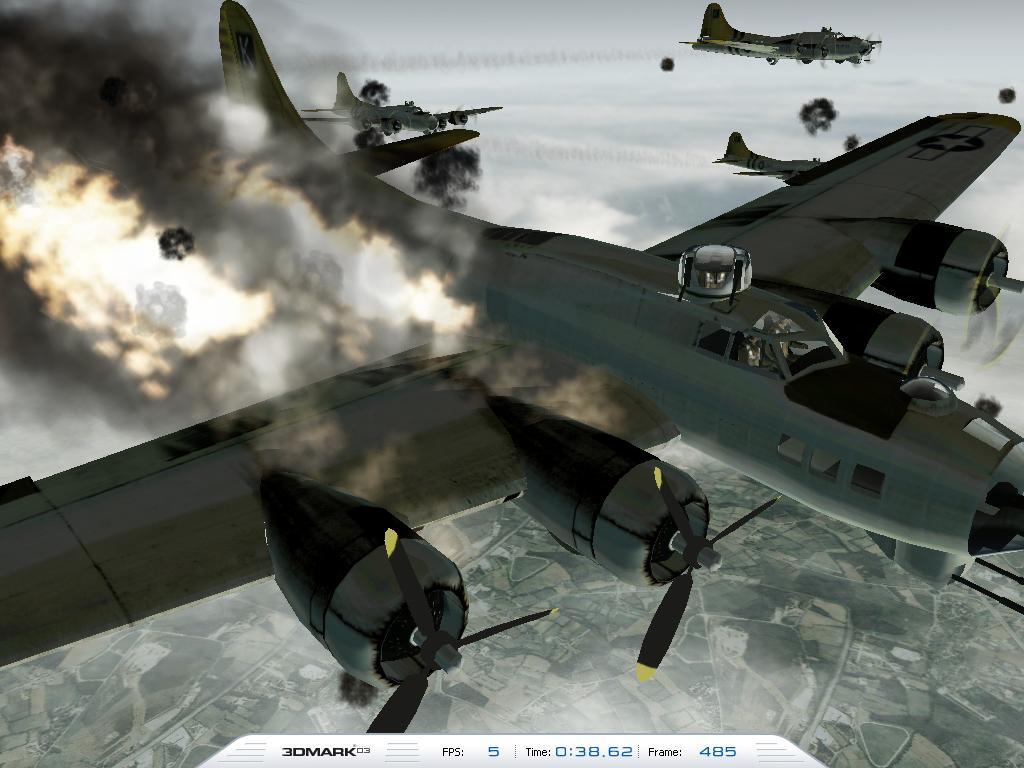
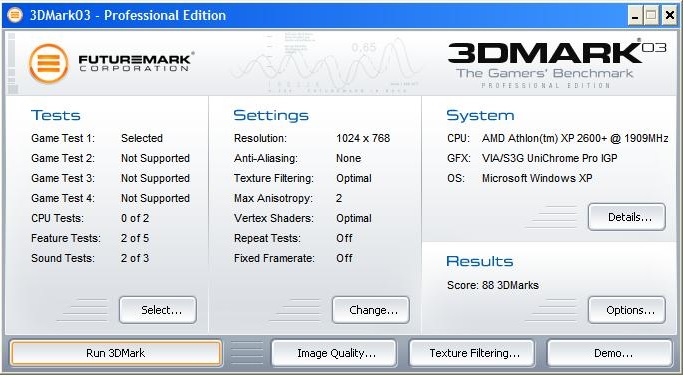
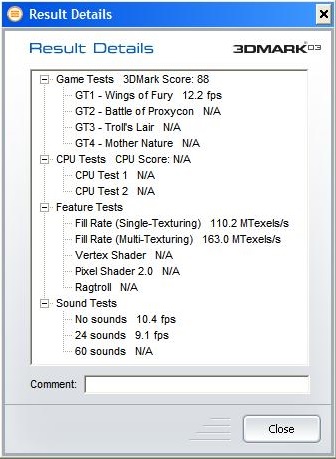
I ran things through the normal suite of benchmarks, just for funsies.
3d Mark 2001SE
3d Mark 2003
Conclusion
Well, no one will be surprised: even back in its day, this wasn’t a gaming powerhouse.
With a modern SSD slotted in, though, it feels surprisingly snappy while running XP — almost like a current multicore system when you’re just browsing menus.
The boxy, no‑frills look means it’ll probably end up in the loft for now, but I might drag it out later to test some AGP cards.
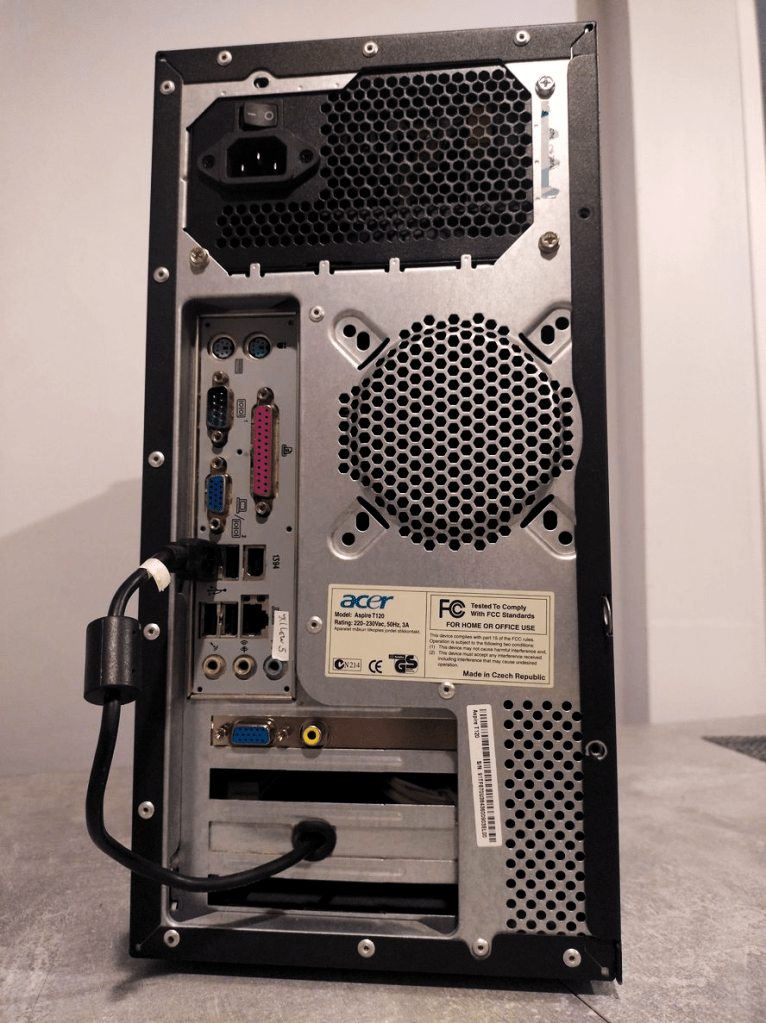
I’m still glad I saved this one from the dump. Sadly for it, I’ve got a nicer‑looking machine with another Athlon XP that barely sees any action.
This setup will handle Windows 98 fine, though, and DOS games should fly with the speedy Athlon CPU.
I’ll dig it out again someday… to be continued
Ash
 Ash's Retro Hardware Reviews